Save an attachment from a conversation to your computer so you can open it or keep a local copy.
Save an Attachment
1.Open the conversation containing the attachment.
2.Click the attachment in the conversation. The Save attachment dialog opens.
3.Choose the folder where you want to save the file.
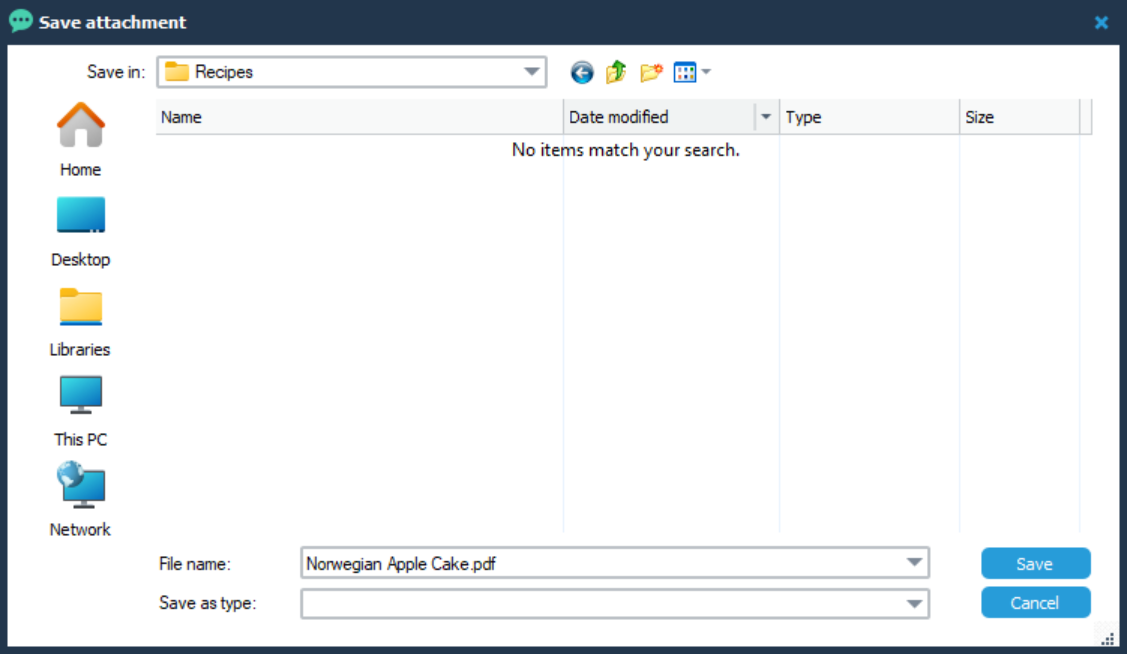
4.Keep the suggested File name, or enter a different name.
5.Click Save.
To close the dialog without saving the attachment, click Cancel.
Open the Saved File
1.Open File Explorer and go to the folder where you saved the attachment.
2.Double-click the saved file to open it.
You need an application that can open the file type. For example, a PDF attachment requires an application that can display PDF files.