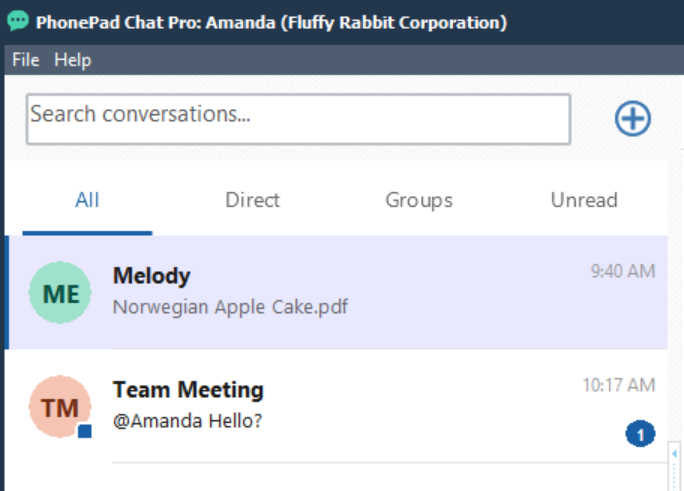
Mention someone in a conversation to draw their attention to your message. When you send the message, the mentioned person receives a notification and the conversation count badge increases.
Mention a Person
1.Open the conversation where you want to mention someone.
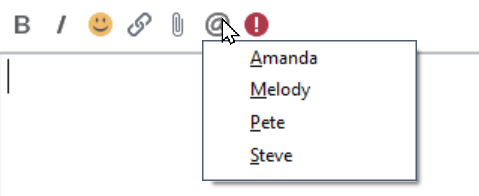
2.Click the @ button on the message editor toolbar.
3.Select the person from the menu. Their name is inserted into the message with an @ prefix.
4.Type the rest of your message.
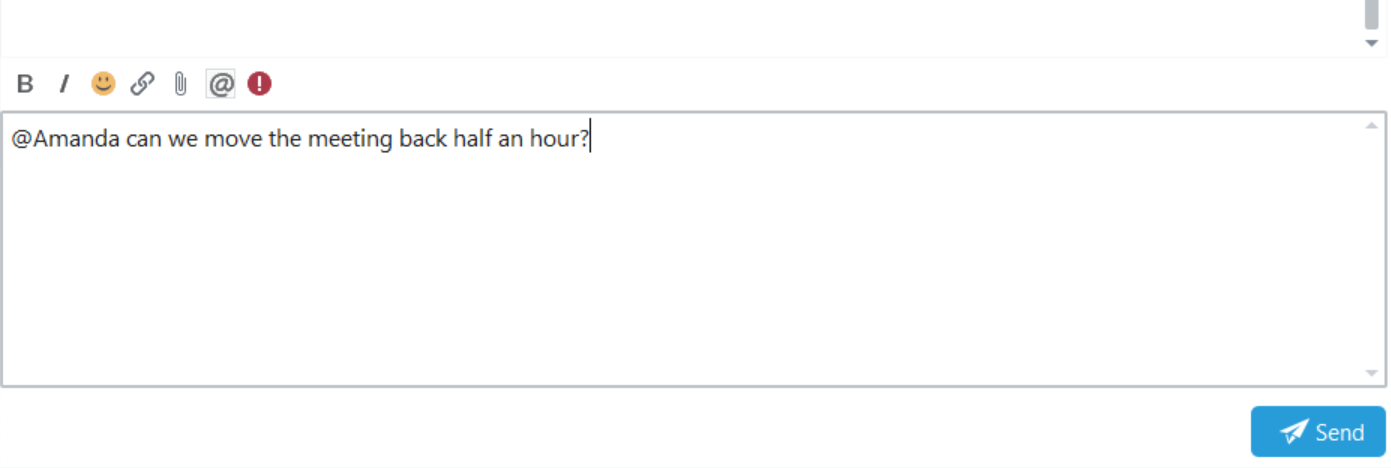
5.Click Send.
For example: @Amanda can we move the meeting back half an hour?
How Mentions Appear
In the sent message, the mention appears in blue bold text so it is easy to identify.
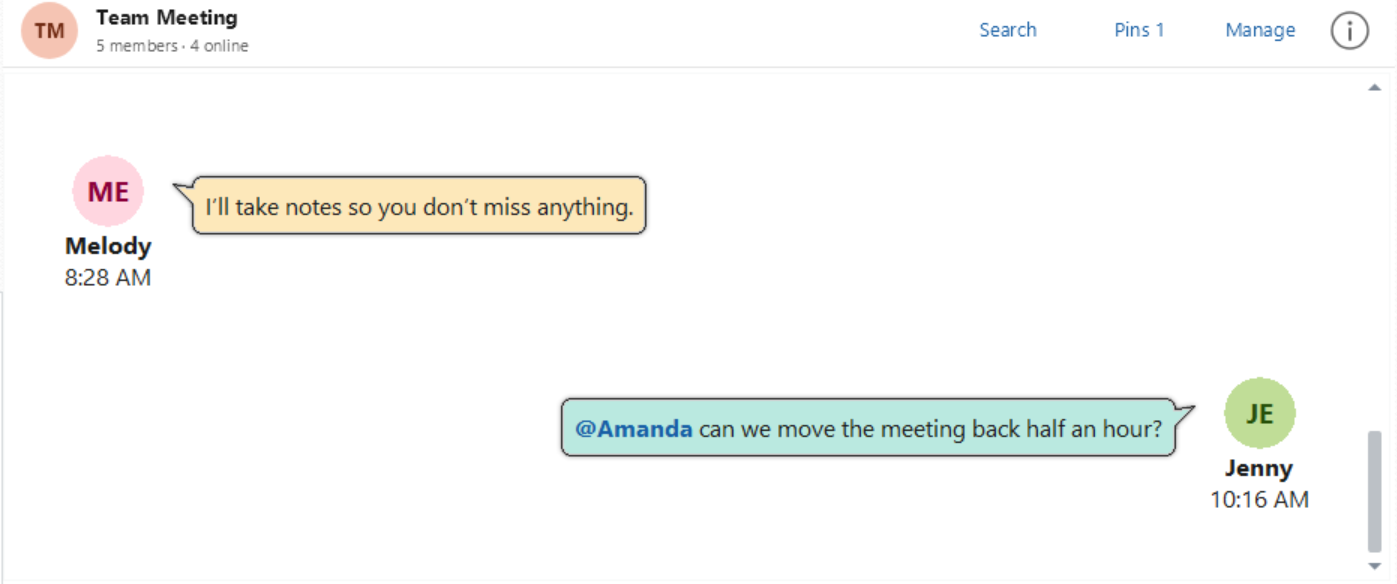
The mentioned person receives a notification identifying who mentioned them and the conversation containing the message. The notification also includes a preview of the message.

The count badge for that conversation increases to alert the person to new activity.