Remove someone from a group conversation using the Group Information window. Check the person and group shown in the confirmation before completing the removal.
Remove a Group Member
1.Select the group conversation.
2.Click Manage in the conversation header to open Group Information.

3.Select the person you want to remove from the member list.
4.Click Remove Member.
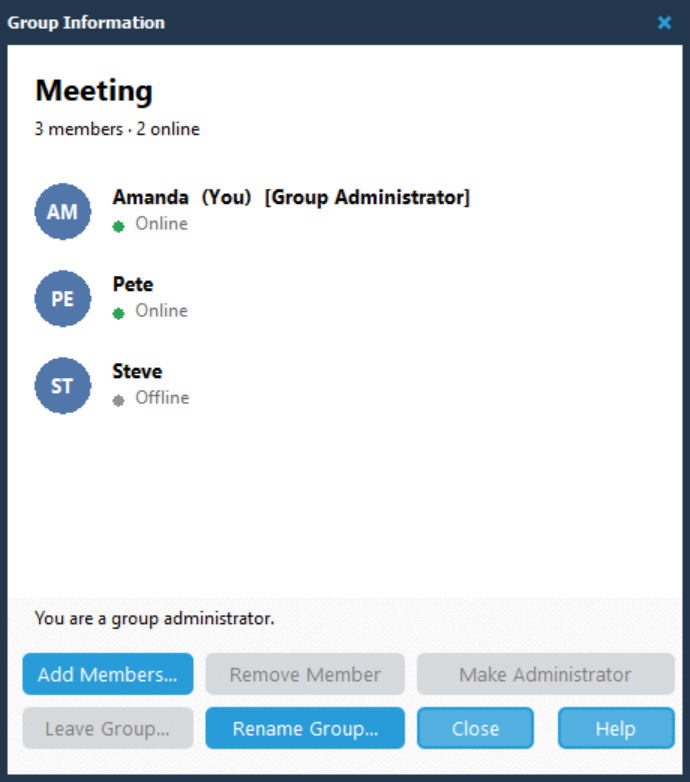
5.In the Confirm dialog, check the person and group named in the question. For example: Remove Steve from Meeting?
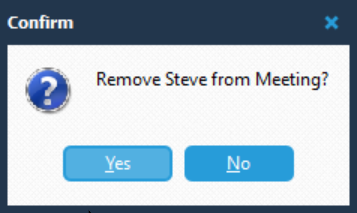
6.Click Yes to remove the person, or No to cancel.
After confirming, the person is removed from the group.
Click Close when you have finished using Group Information.