Add people to an existing group conversation using the Group Information window. You can select one or more people to add at the same time.
Add Group Members
1.Select the group conversation.
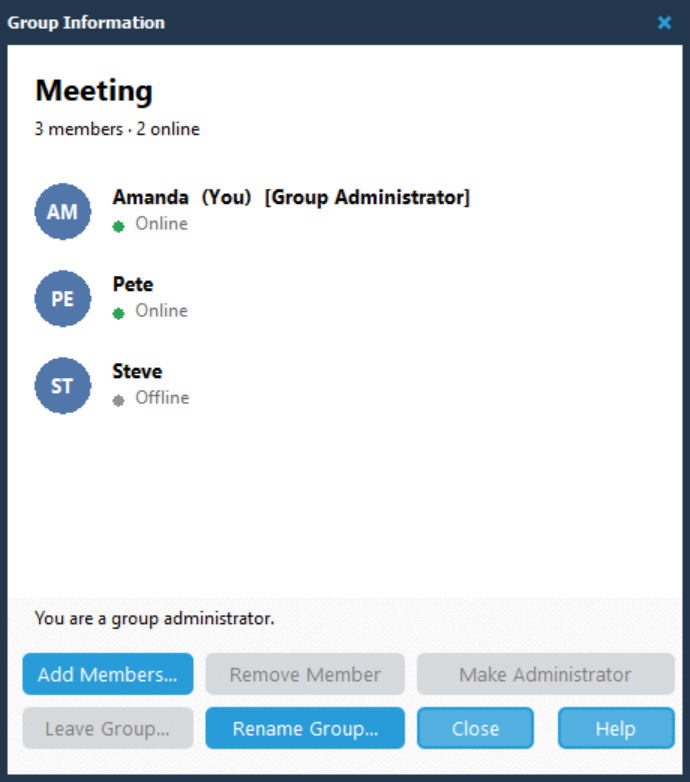
2.Click Manage in the conversation header to open Group Information.

3.Click Add Members.... The Add Group Members dialog opens.
4.Select one or more people from the list.
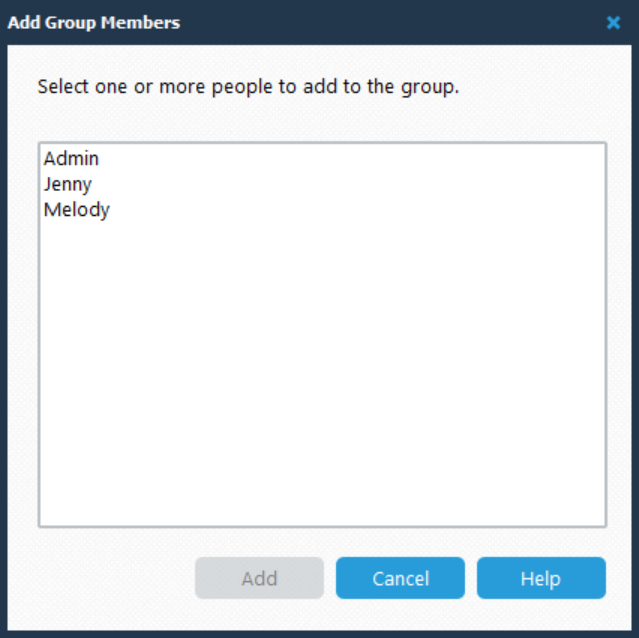
5.Click Add.
To close the dialog without adding anyone, click Cancel.
View Group Members
The Group Information window shows the people in the group and whether each person is online or offline. Group administrators are identified by [Group Administrator] beside their name.
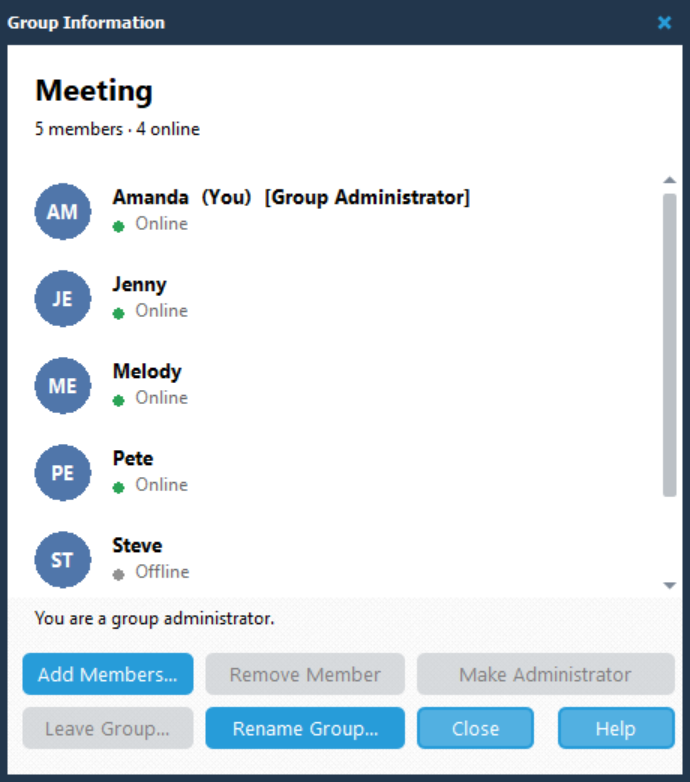
Click Close when you have finished.