Start a direct conversation to exchange messages with another PhonePad user.
Start a Direct Conversation
1.Click the plus (+) button beside Search conversations in the main window. The New Conversation window opens.
2.Find the user you want to chat with. To narrow the list, enter their name in the Search users box.
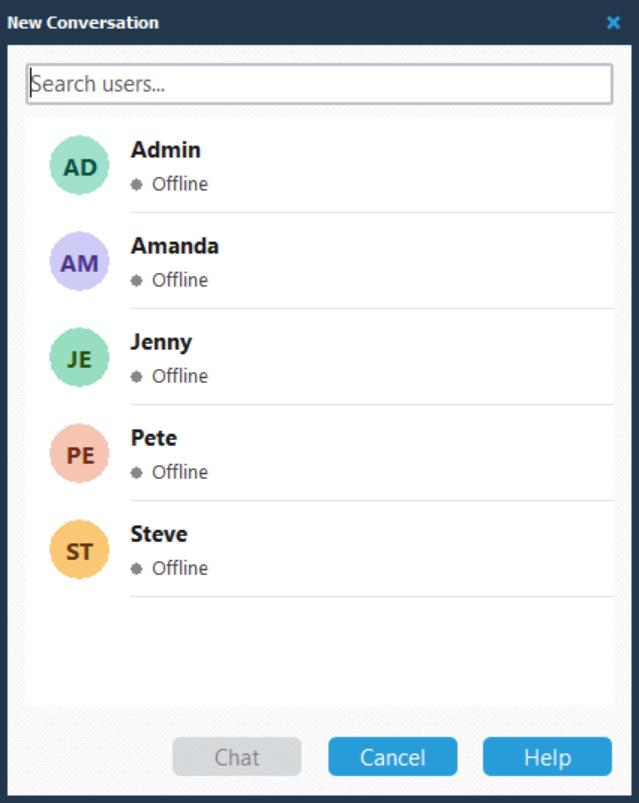
3.Click the user to select them.
4.Click Chat to open the conversation.
You can now enter your message in the message editor and click Send.
User Status
Each user’s entry displays their name, initials, and status. Online indicates that the user is connected to PhonePad Chat. Offline indicates that they are not currently connected.
Cancel Without Starting a Conversation
Click Cancel, or click the X in the top-right corner of the window, to return to the main window.