Leave a group conversation when you no longer need to participate. Leaving removes the group from your conversation list.
Before an Administrator Leaves
If you are a group administrator, another administrator must remain in the group before you can leave. If you are the only administrator, appoint another member first.
1.Open Group Information by clicking Manage in the conversation header.

2.Select the member you want to appoint.
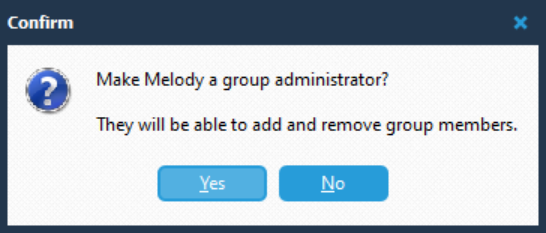
3.Click Make Administrator, then click Yes in the confirmation dialog.
Leave a Group
1.Select the group conversation you want to leave.
2.Click Manage in the conversation header to open Group Information.
3.Click Leave Group....
4.In the Confirm dialog, check the group named in the question. For example: Leave All Meetings?
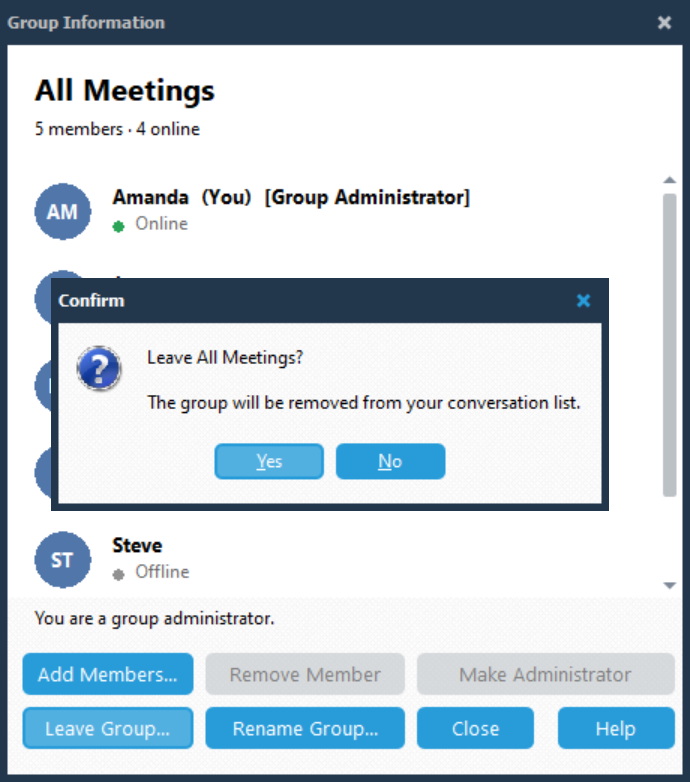
5.Click Yes to leave, or No to stay in the group.
When you confirm, the group is removed from your conversation list.