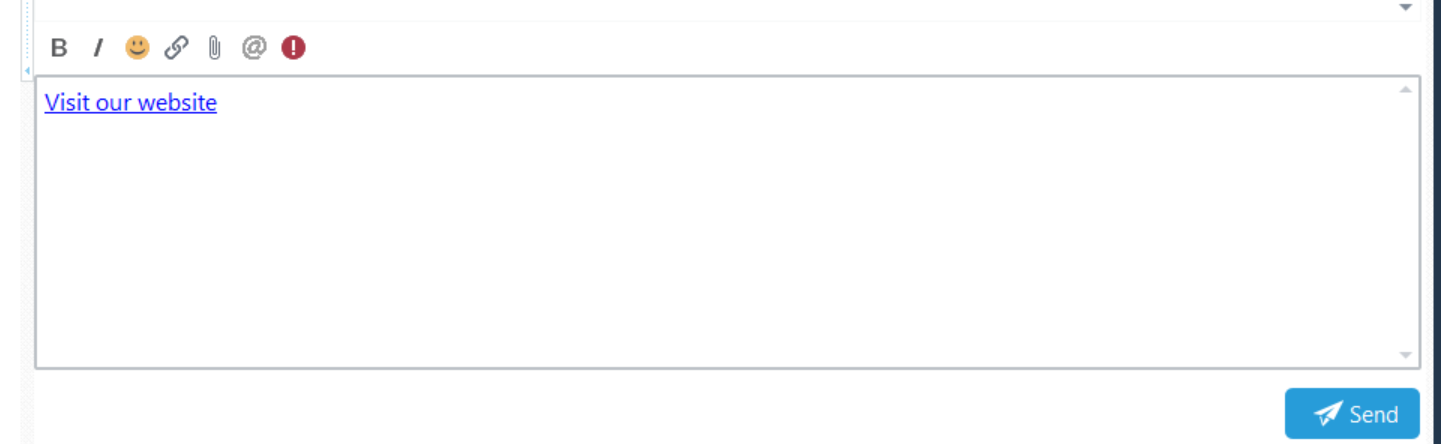
Use bold and italic formatting to emphasise parts of your message. You can also insert a hyperlink with display text that describes its destination.
Apply Bold Formatting
1.In the message editor, select the text you want to make bold.
2.Click B on the toolbar, or press Ctrl+B.
To remove bold formatting, select the text and click B or press Ctrl+B again.
Apply Italic Formatting
1.In the message editor, select the text you want to make italic.
2.Click I on the toolbar, or press Ctrl+I.
To remove italic formatting, select the text and click I or press Ctrl+I again.
Insert a Hyperlink
1.Click in the message editor where you want to insert the link.
2.Click the Link button on the toolbar. The Insert Hyperlink dialog opens.
3.In Text to display, enter the text you want to appear in the message, such as “Visit our website”. Click OK.
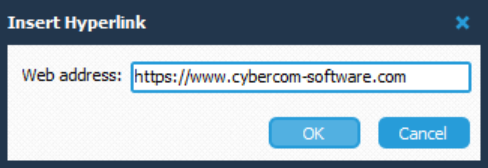
4.A second Insert Hyperlink dialog opens. In Web address, enter the destination address, including its https:// or http:// prefix.
5.Click OK to insert the hyperlink.
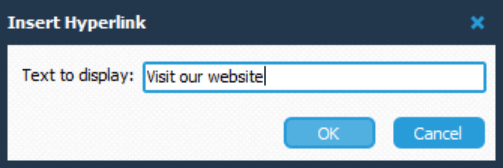
For example, you could use “Visit our website” as the display text and https://www.cybercom-software.com as the web address.