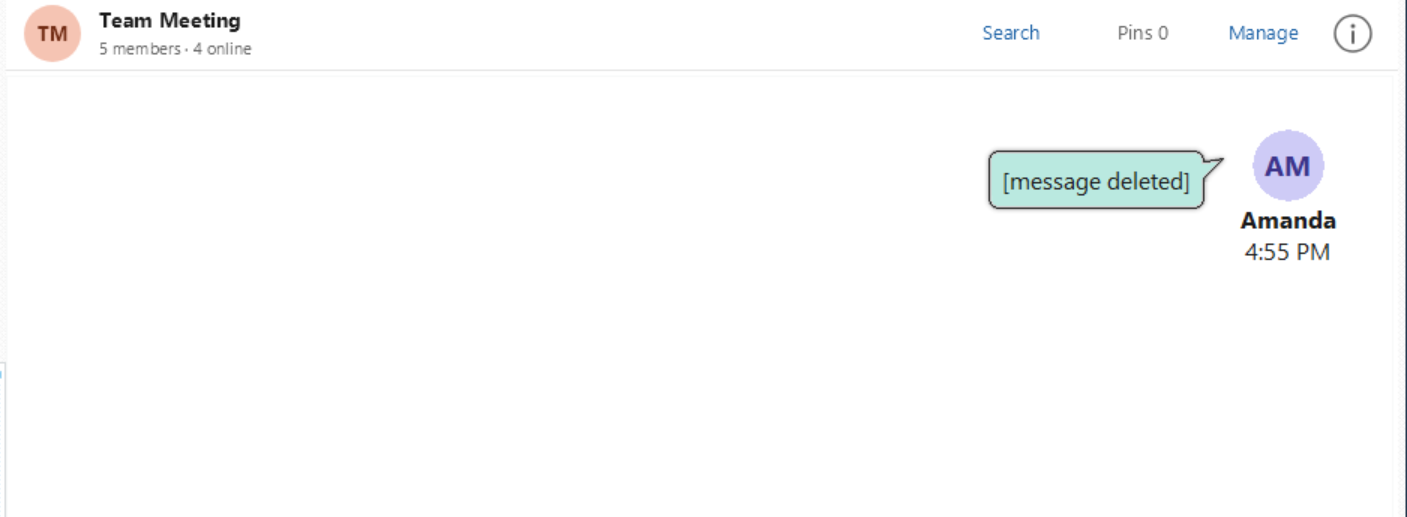
You can delete a message you have sent. Its content is replaced with [message deleted] in the conversation.
Delete a Message
1.Find your message in the selected conversation.
2.Right-click the message and select Delete message.
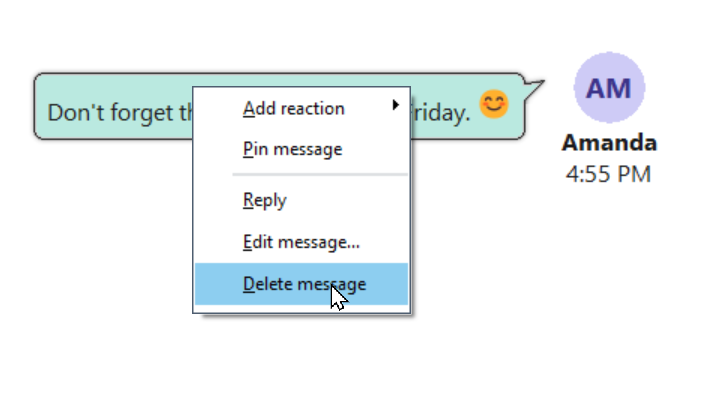
3.The Confirm dialog asks Delete this message?
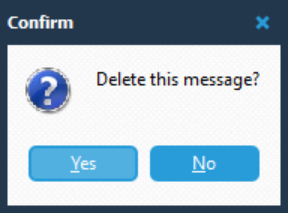
4.Click Yes to delete the message, or No to leave it unchanged.
After Deletion
The message bubble displays [message deleted] in place of the original content. The sender’s name and the message time remain visible.
Messages You Can Delete
You can delete your own messages. Delete message is unavailable for messages sent by other users.