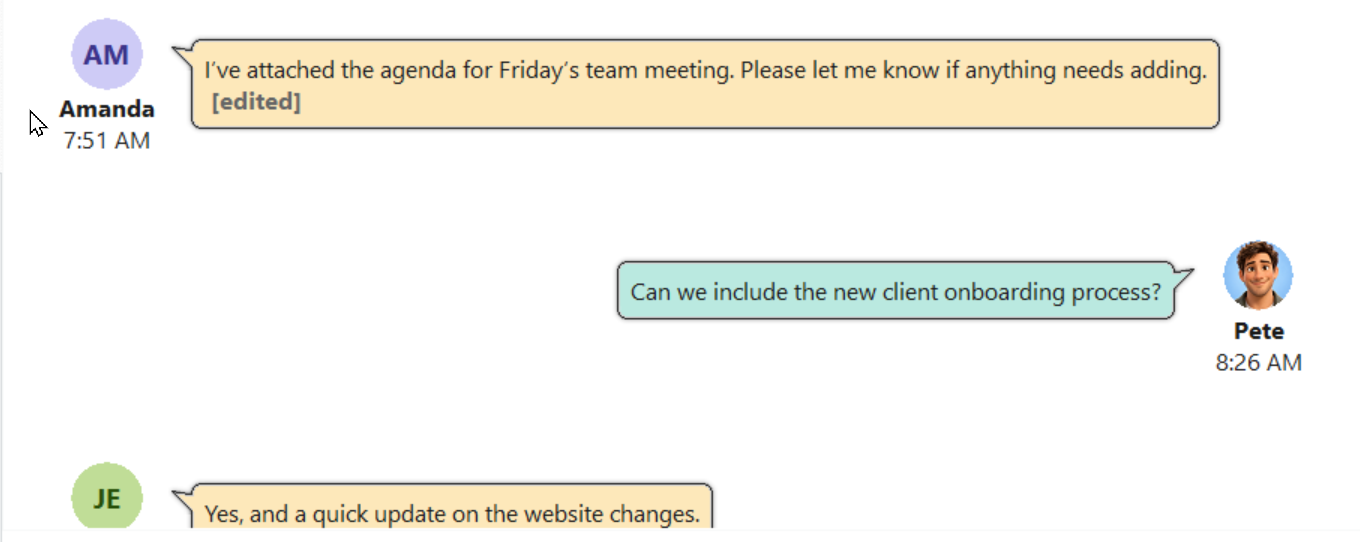
Choose a picture to use as your chat avatar. Your avatar appears beside your messages in conversations, helping other people identify you.
Choose an Avatar
1.Open Preferences.
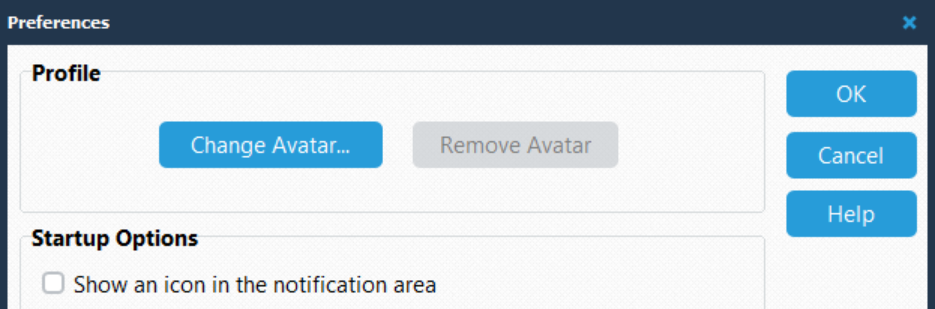
2.In the Profile section, click Change Avatar....
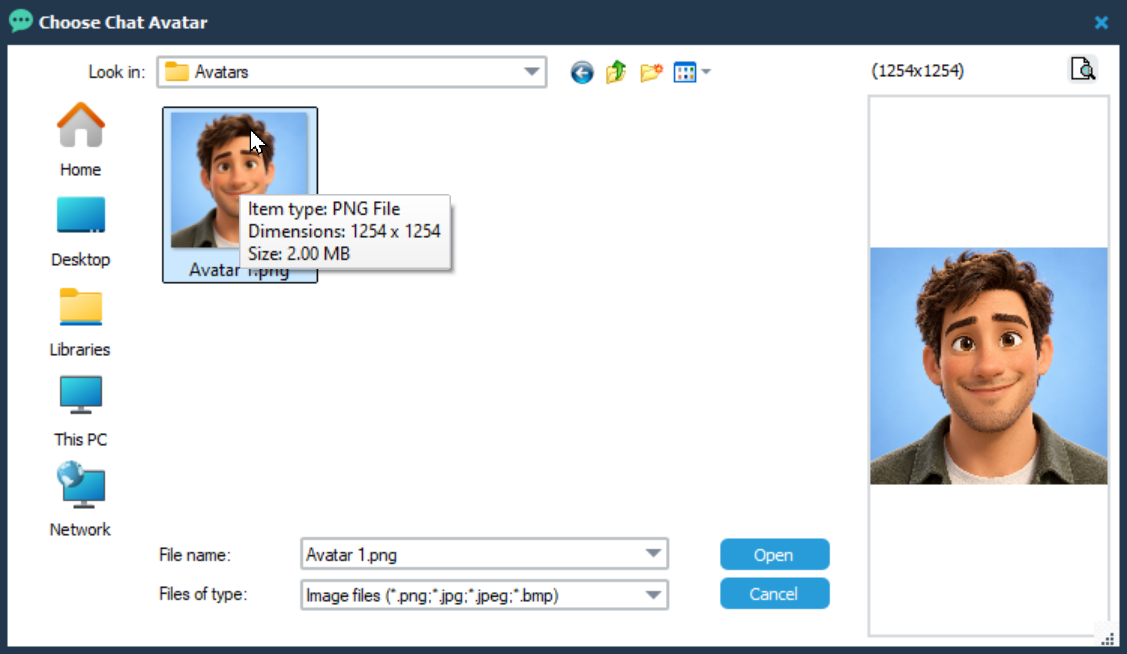
3.In Choose Chat Avatar, browse to the folder containing your picture.
4.Select the image file and click Open.
5.Check the picture shown in the Profile section.
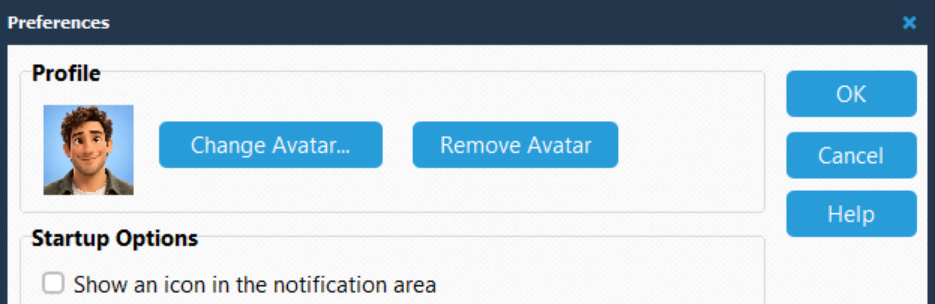
6.Click OK in Preferences to save your changes.
The file selection dialog supports PNG, JPG, JPEG, and BMP images.
Click Cancel in the file selection dialog to return without choosing a picture.
Replace Your Avatar
To use a different picture, click Change Avatar... again and select another image. Click OK in Preferences to save the change.
Remove Your Avatar
1.Open Preferences.
2.In the Profile section, click Remove Avatar.
3.Click OK to save your changes.
To close Preferences without saving changes, click Cancel.