Managing Users


Managing Users |
|
|
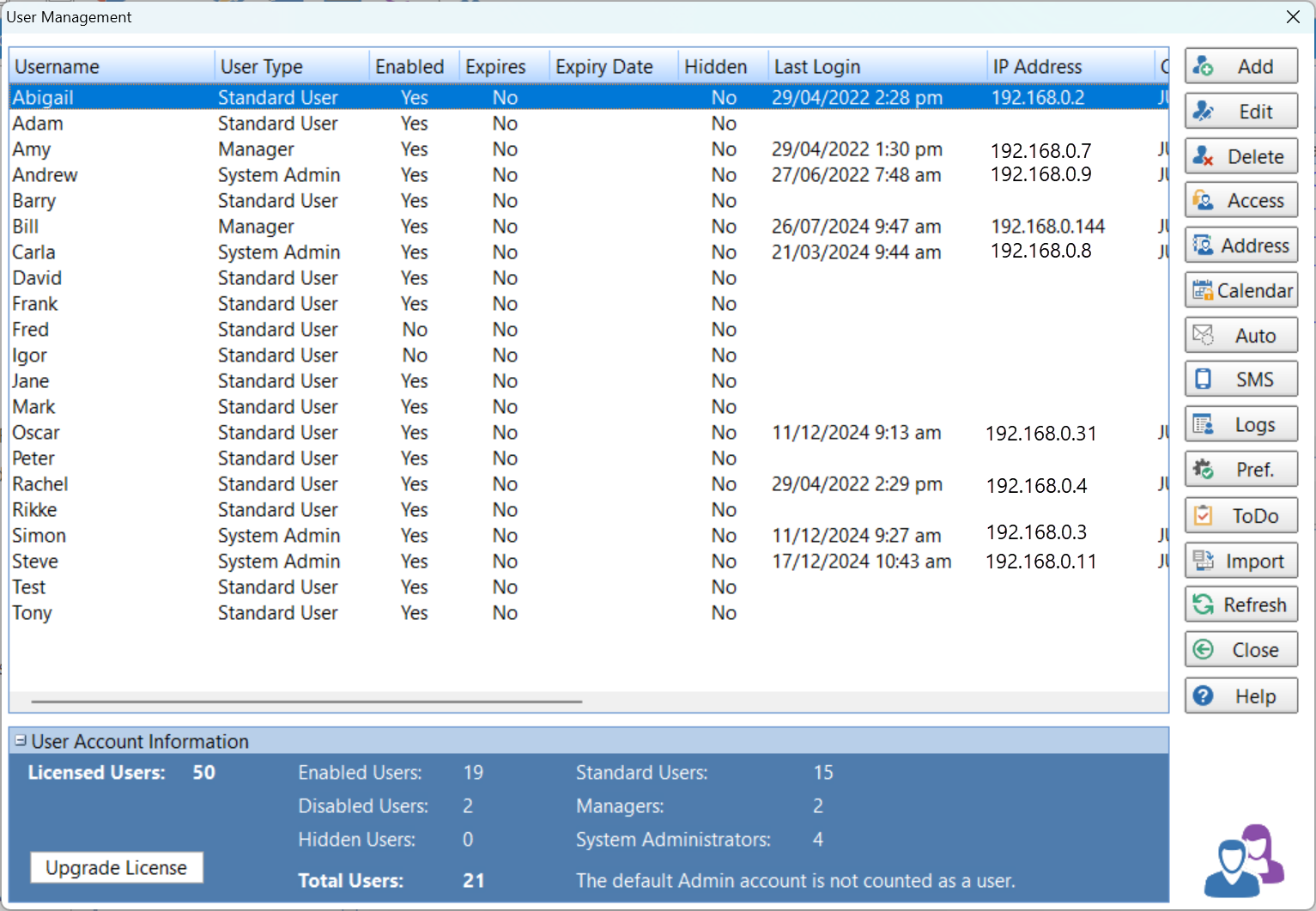
Select the Manager tab on the toolbar and click the Manage Users button, or select Manage Users from the Manager menu.
In the above example you can see what this window looks like once you have added a few users. At a glance you can see quite a bit of information about each user, including:
•Their User Type. •The last time they logged in. •Their workstation's IP Address. •The name of the computer they logged in on. •Their Windows username. •The version of Windows on their computer. •The version of PhonePad they are using.
| ||||||||||||||||||||||||||||||||||